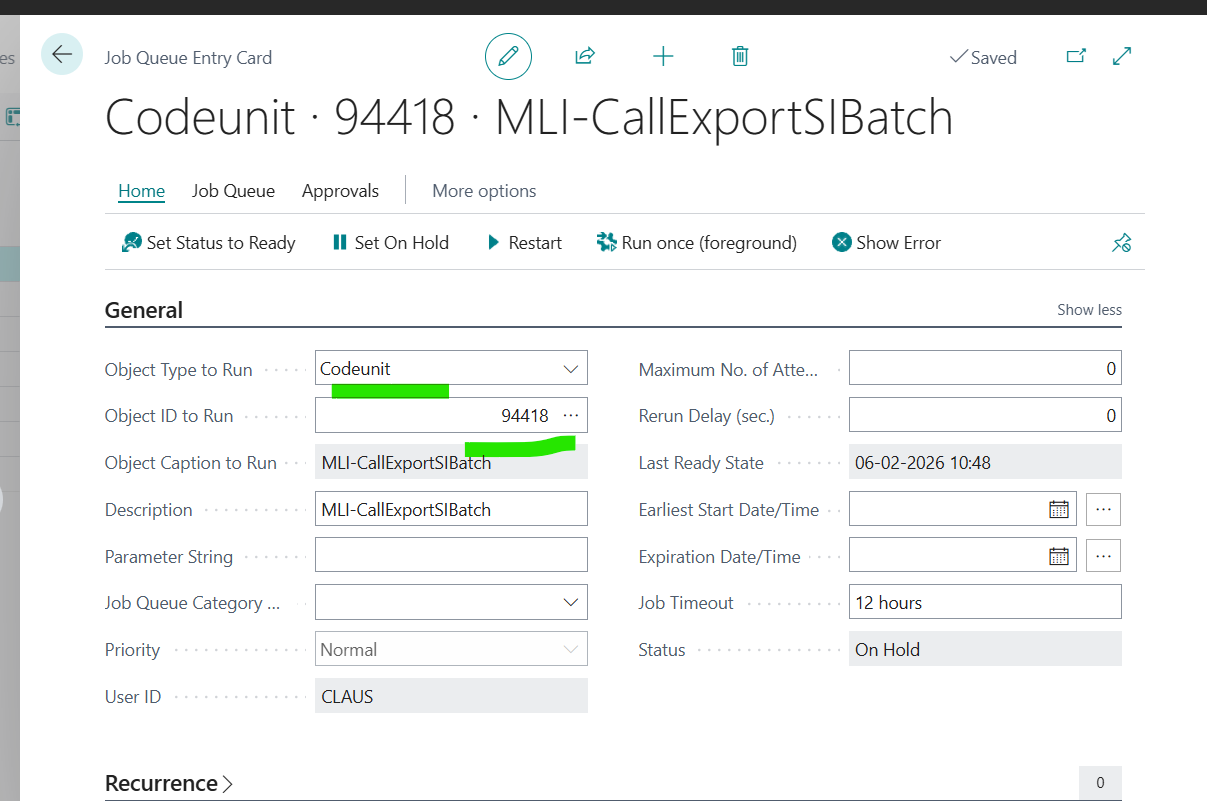
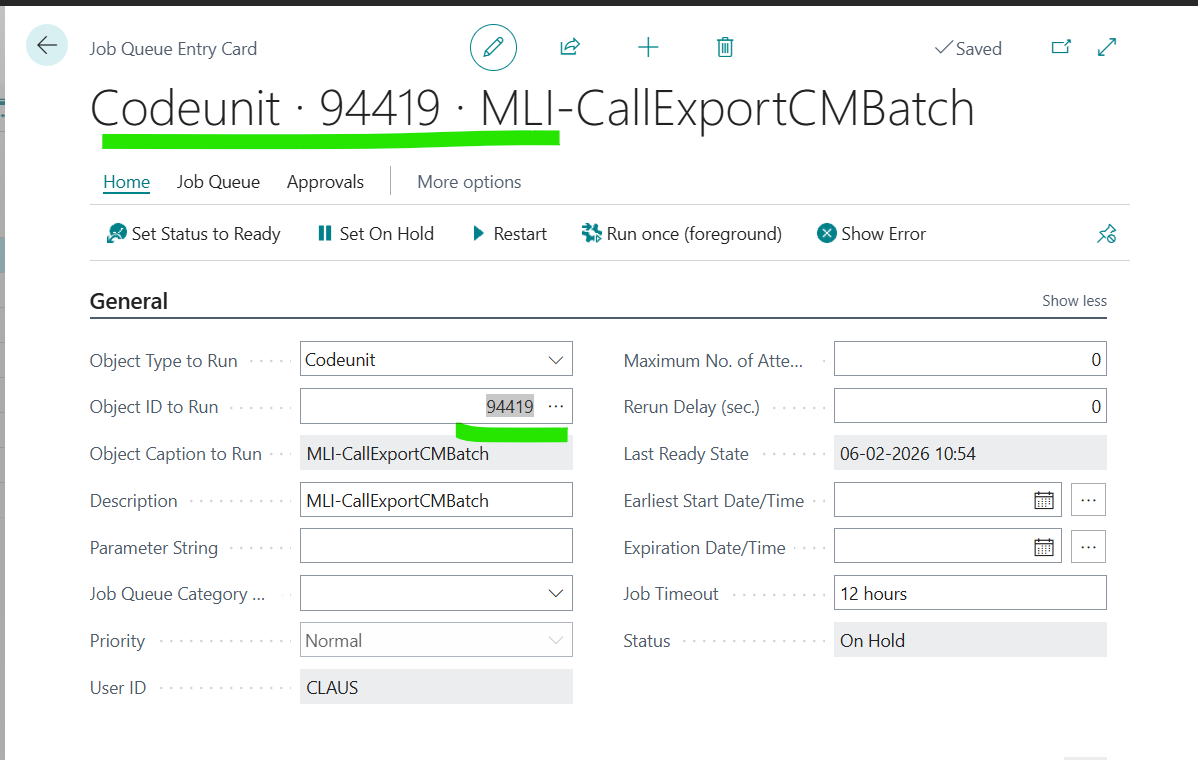
The setup using job Queue Entries, has 3 steps , you have to follow
Activate the Document Sending Profil Use in Joq Queue
Go to step 2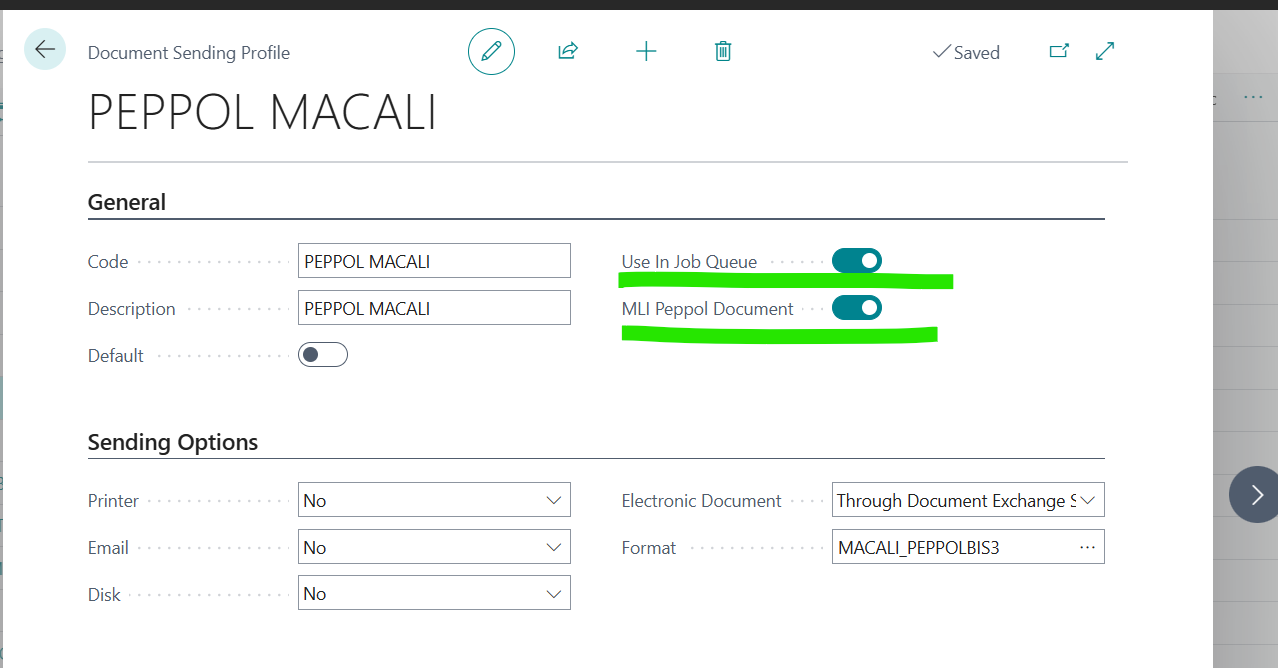
This 2 Step
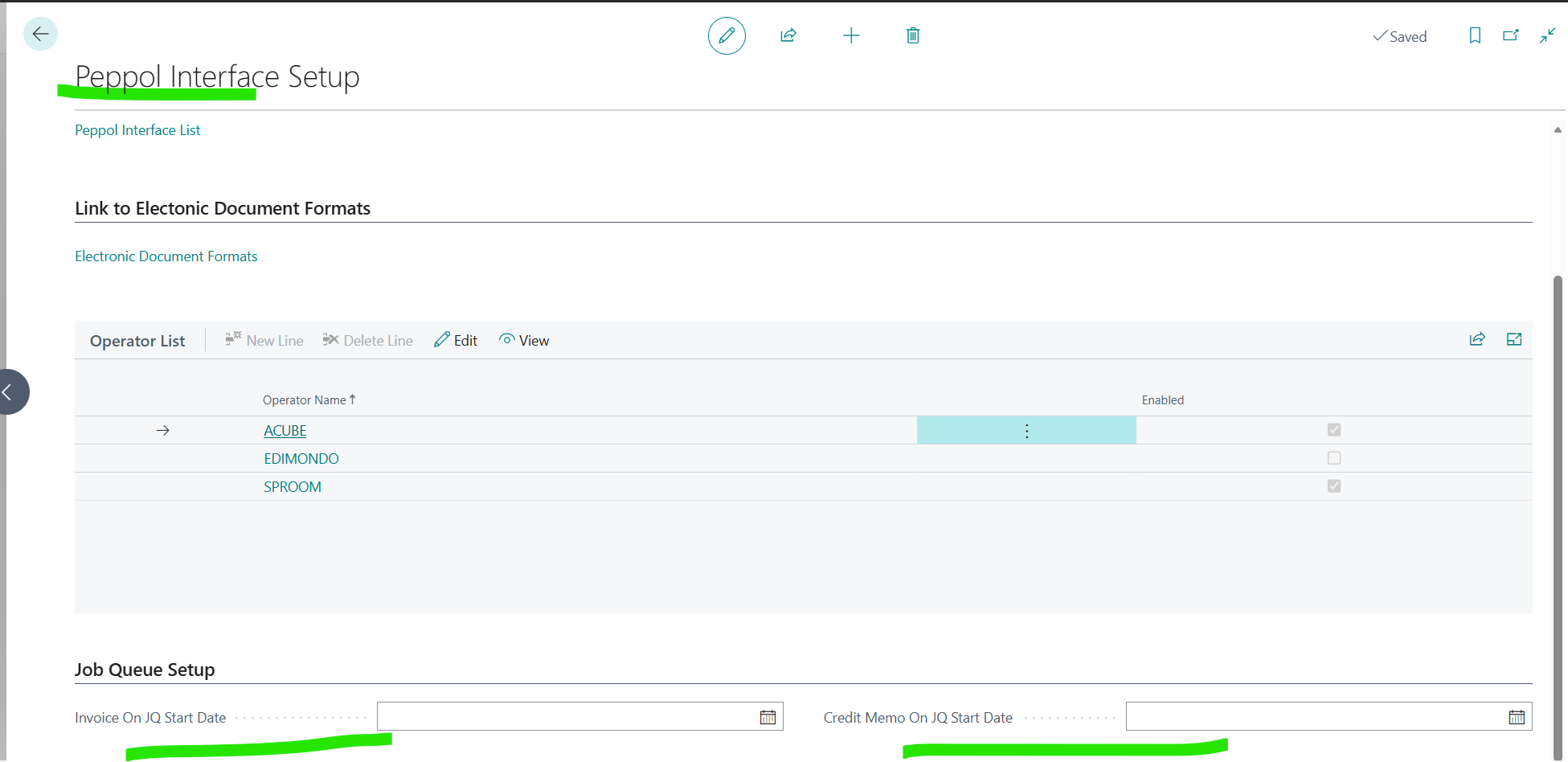
Go PEPPOL Interface Setup
This is needed because we har checking if a customer has been sent the documents.
WARNING: So if its blank it will start sending all invoices again to the customer.
Therefore add the date when you want to start sending Macali PEPPOL invoices to your customers
Go To Step 3
Create the following Entries in the Job Q Entries, and Set Status Ready
Now you are ready to go :)