If you have chossen Sproom as you partner for handling you sending and reciving og PEPPOL electronic documents, here how to connect.
Befor you get startet you need followering to be ready.
1 Have a Business Central up running :)
2. Have a Sproom Account or create it her , Free Trail for 5 document each month
Electronic invoicing for all businesses - Sproom
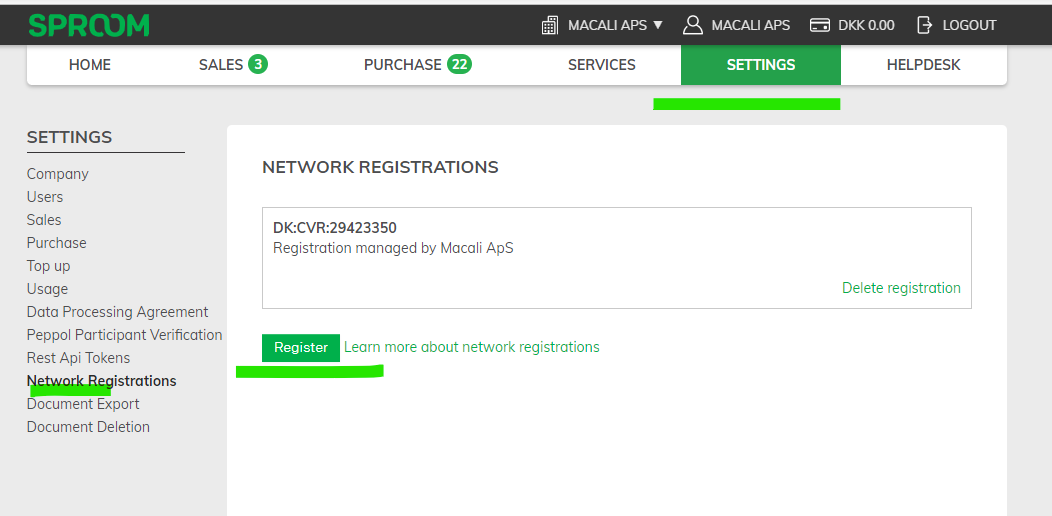
3. Do you have and account, then you have to register to the PEPPOL network if not already is registered, follow the steps here
Steps in Business Central, to be updated :)
Before sending your first actual PEPPOL bills to a customer, it would be a good idea to send a test invoice from your test account.
However, you can avoid sending an invoice to a real consumer by using this test GLN number 2398472394870.
Despite seeming like a regular number, it is forwarded to no one, and you can see the results on your Sproom account
